Cars vs Zombies: Free Online Zombie Driving Game
Floor it through zombie-packed arenas, smash the horde with your bumper and armor up your ride in the garage.
About Cars vs Zombies
Forget guns. Your weapon here has four wheels and a reinforced bumper. Cars vs Zombies hands you the keys and sends you into arenas crawling with the undead, where the best strategy is to hit the gas and plow straight through.
Run down waves of zombies, rack up points and wreck the destructible scenery around you as you tear across each map. Every run earns resources you can take back to the garage, where your car becomes a proper zombie-clearing machine: improve its stats, bolt on armor and add boosters for extra punch. With multiple maps and different vehicle types to drive, there is always another arena to clear and another upgrade to chase.
Cars vs Zombies runs free in your browser with no download. Fire it up, rev the engine and see how much of the horde you can flatten.
How to Play
- Drive your car with the arrow keys or WASD.
- Steer into zombies to crush them and collect points.
- Smash through objects in the arena for extra destruction.
- Earn resources during each run.
- Visit the garage to upgrade stats, add armor and equip boosters.
Tips
- Spend early resources on armor so your car survives longer runs.
- Drive in wide loops to gather zombies together, then hit them in one pass.
- Use boosters to break out when the horde starts to box you in.
FAQ
- What keys do I use in Cars vs Zombies?
- Use the arrow keys or WASD to drive and steer your vehicle.
- Can I upgrade my car?
- Yes. Resources from each run can be spent in the garage on stat upgrades, armor attachments and boosters, and there are several vehicle types and maps.
Want more? Browse Zombie games.
You might also like
 Popular🧟 Zombie
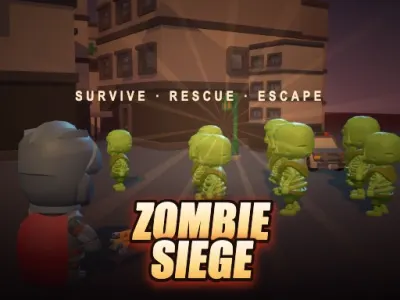
Zombie Siege
Hold the line in a fallen city, rescue survivors for your squad and blast through hordes and towering zombie kings.
 🧟 Zombie
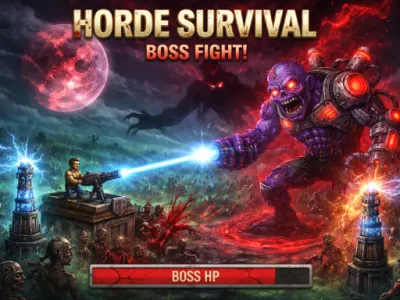
Terrifying Zombies: Tower Defense II
Fight alongside your towers, gun down the undead yourself for bonus XP and survive until the boss arrives.
 🧟 Zombie
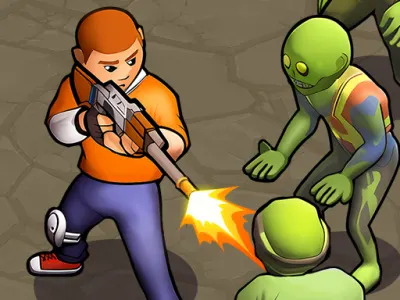
Zombie Survival 2
Scavenge weapons, rig traps and fight through ruined cities and dark forests swarming with the undead.
 🧟 Zombie
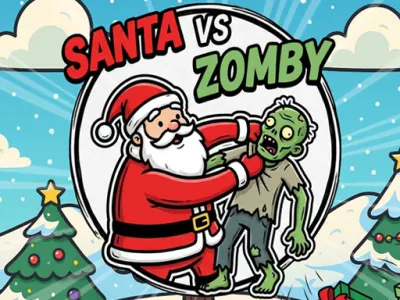
Santa Vs Zomby
Zombies raided Santa's base and stole the presents. Fling Santa at the undead and knock them flat to save Christmas.